







 Blogs
Blogs Back-to-school “get-to-know-you” activities help build community, but traditional introductions do not work equally well for every student. Speaking in front of an unfamiliar class can put quieter students on the spot, and quick-response icebreakers may not give learners enough time to decide what they want to share.
A short video project offers another path. Students can think before responding, revise their ideas, and showcase their interests and creative styles. Teachers gain valuable insights into who their students are, while classmates discover possible points of connection.
Google Vids is one option for creating this type of project. The video-creation app allows students to combine text, images, video clips, music, voice recordings, and narration in the Google Workspace environment. Basic Vids access is available to Google Workspace for Education users, although schools and districts manage availability. Teachers can also share Vids projects through Google Classroom.
If you have not explored Google Vids yet, a short back-to-school project offers a low-pressure way for both you and your students to try it! To get the most out of this activity, consider these five questions before you begin:
1. What do I want students to learn about each other?
“Tell us about yourself” sounds welcoming, but it can be an intimidatingly broad prompt. A more focused prompt gives students a clear purpose and leads to more meaningful responses.
Try questions like:
- What is something you enjoy learning about?
- What is one strength you bring to our class?
- What helps you feel comfortable and ready to learn?
- What is something you hope to try this year?
- What is one topic you could teach someone else about?
2. How can students make the project their own?
Choice gives students more space to express their personalities and communicate in ways that feel comfortable. Offer several possible themes, and let students decide whether to use video, narration, text, images, drawings, music, or stock media.
Consider offering students a few possible directions:
- Three Things That Make Me, Me
- My Life in Five Images
- A Place, Object, or Activity That Matters to Me
- Three Things That Help Me Learn
- What I’m Reading, Watching, Making, Learning, or Wondering
3. How can this project reinforce digital citizenship?
A back-to-school video project is a natural opportunity to introduce the online sharing guidelines students will use throughout the year. Before students begin, discuss who will see the videos, what information is appropriate to share, and why they should ask permission before including someone else’s photo, name, or story. Together, create a few simple class norms for responsible sharing that students can return to during future digital projects.
Possible class norms include:
- Share only what you are comfortable having classmates see.
- Ask permission before including another person.
- Use respectful images, language, music, and humor.
- Keep comments kind, specific, and connected to the project.
- Pause and ask when you are unsure whether something is appropriate to share.
4. What will classmates do with the videos?
Plan a follow-up activity so the videos lead to interaction rather than becoming a collection of introductions that students watch and forget. Ask classmates to notice shared interests, strengths, goals, and questions they can use to begin conversations.
Students might:
- Identify one common interest
- Write a respectful follow-up question
- Find someone with a similar goal
- Add an idea to a class interest map
- Contribute to a class reading, music, or activity list
- Form small groups around common themes
5. How will I keep the focus on belonging rather than production value?
Students will arrive with different levels of video-editing experience, technology access, and confidence. Keep the project short, complete it during class when possible, and focus feedback on clarity, thoughtfulness, and participation rather than production polish. This may not need to be a graded assignment at all; a simple completion checklist or brief reflection may better match its community-building purpose.
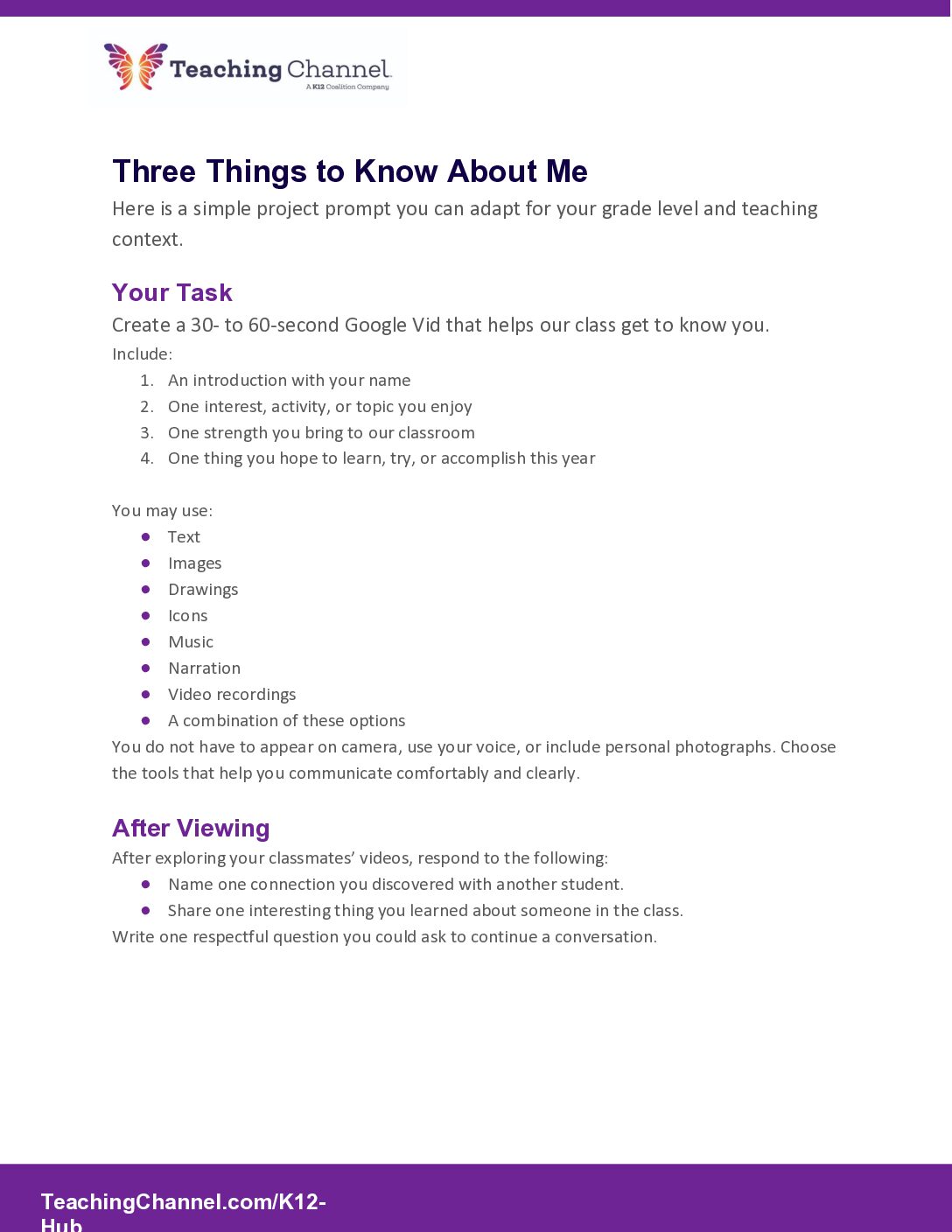
Check out an example teacher video we created using the AI video tool in Vids!
Let the Tech Tool Support the Purpose
Google Vids gives students time to think about how they want to introduce themselves and lets them communicate through a mix of words, images, audio, and design. This flexible format can help students feel more comfortable sharing about themselves, especially for those who may not enjoy speaking on the spot. These videos also give teachers and classmates a meaningful glimpse into each student’s interests, strengths, and personalities. By pairing the activity with a thoughtful prompt and a chance to respond to one another, you can help students build connections and feel like they’re part of the classroom community from the very first week of school.
Getting Started with Google Vids
Ready to try the project? These resources can help you get familiar with Google Vids before introducing it to students:
- “How to Use Google Vids: AI-Powered Video Creation in the Classroom,” from Ditch That Textbook: A teacher-friendly overview of the workspace, creation options, and classroom applications.
- Google Vids Training and Help, from the Google Workspace Learning Center: Official step-by-step guidance for creating, editing, recording, and sharing a Vid.
About the Author
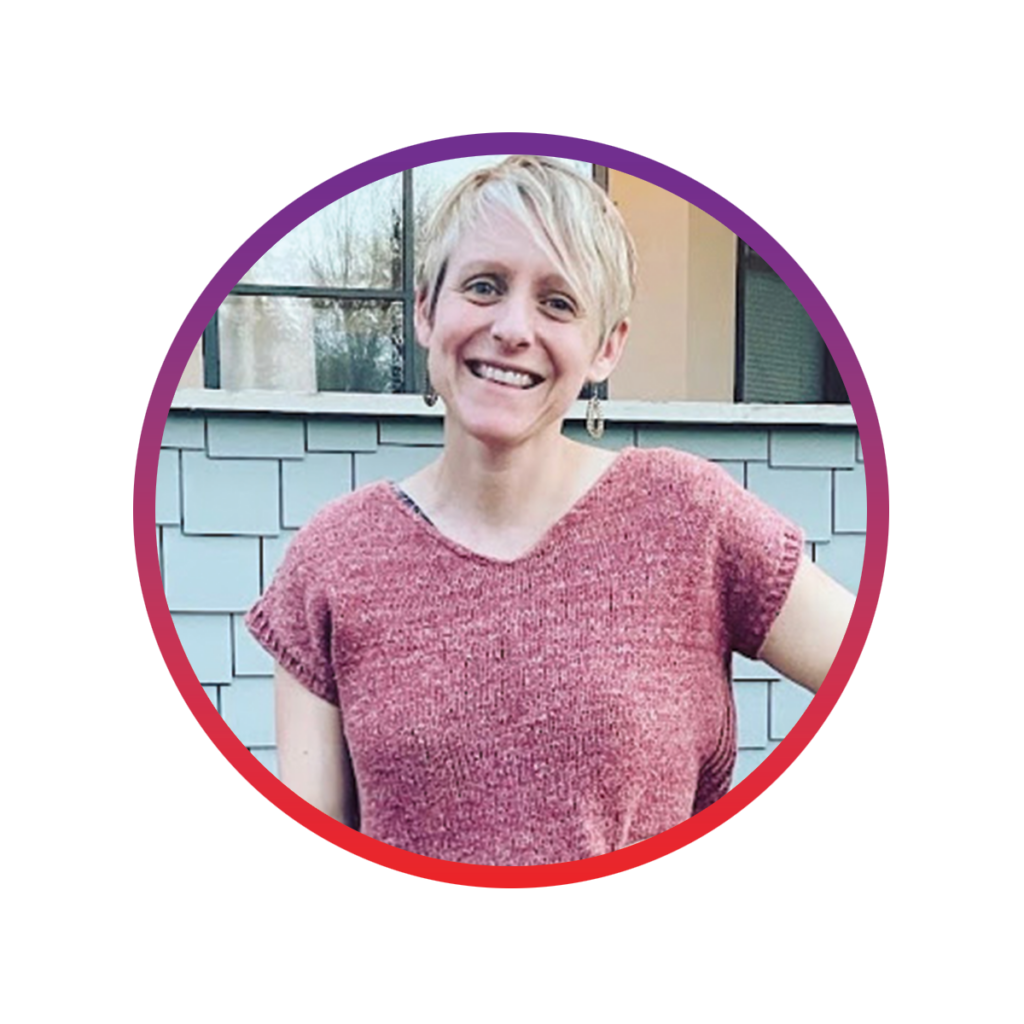
Sarah Murphy holds a B.A. in History and a Master’s in Education. Grounded in years of elementary classroom experience, Sarah brings a practical educator lens to Teaching Channel’s professional learning. As Director of Curriculum & Instruction, she guides the development and refinement of graduate-level continuing education courses, helping ensure they are engaging, relevant, and rooted in strong instructional practice. Sarah works closely with the Curriculum & Instruction and Instructor teams to support meaningful feedback for educators, thoughtful course design, and effective online learning experiences in Canvas. Sarah is also a coursewriter and content creator, specializing in edtech, educator wellness, and content area teaching.
Fun Fact: Sarah enjoys training and competing with the Mill City Running Race Team in distances from 1 mile to the marathon.